Roadmap

Where Natsura is heading

Leaving early access and how we will reach Natsura 1.0
0.8Q4 2026

Meshing and Shaping

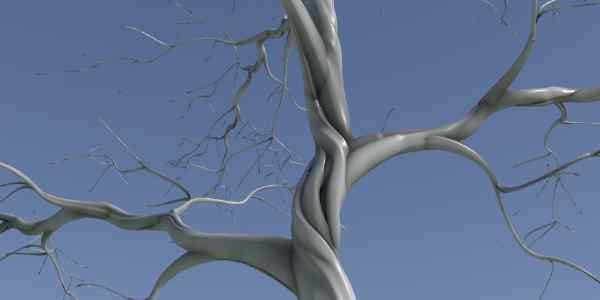
The woody half of a plant, done properly. Trunk meshing above all: bark, the damage a tree carries, knots where branches were, roots meeting the trunk, and a sweep that knows what it is sweeping. Alongside it, shaping gets better across the board, on Grow and on the decorations. We listen a lot to your feedback and requests, based on those 0.9 and 1.0 will be filled out more completely once we are ready to announce those updates.

Simulation
New node0.7.0.1
Speedtree Skeleton Import
Bring in a skeleton from Speedtree and use it either as the base skeleton or use it as a cluster.

Status. In the build and rough. It works, but use it with care.

Simulation
New node0.7.0.1
Skeleton Drawing
Draw a tree skeleton by hand and use it either as base of your tree or as a module to be placed.

Status. In the build and rough. It works, but it has some edges.

Meshing
0.7.1.0
Shaping on Surface Decoration
This will be a set of features dealing with a number of shaping options. - Resampling the given splines as a post process. - Mappable parameters for more control over the mesh shape. Eg: linking the width with the height of the plant. - Other controls we are looking to add are: spiraling, smoothing, UV modifications and endcaps.

Status. First version is in but the features are not all implemented yet.

Shaping
0.7.1.0
Effectors for Decorations
Effector's have been a powerful addition to the grow. We are adding them to decorations as well. Effector's will be included on the surface decoration and the assembly decoration.

Status. First version is in!

Meshing
Planned
Scattering/Instancing for Surface Decorations
Instancing is an important part of generating a nice surface. Here are a couple of examples of assets you might want to scatter on your surface: - Bark Peel - Knots - Patches of Moss - Small Dead Branches - Decals for damage / scars
Meshing
Planned
sweep with support for vascular shaping
A sweep with which you can shape the trunk based on the branches it actually carries, so the cross-section swells and flattens the way a real trunk does around what it is feeding.

Replaces. Circular profiles that are the same shape all the way up.
Materials & Atlases
Planned
Material blending
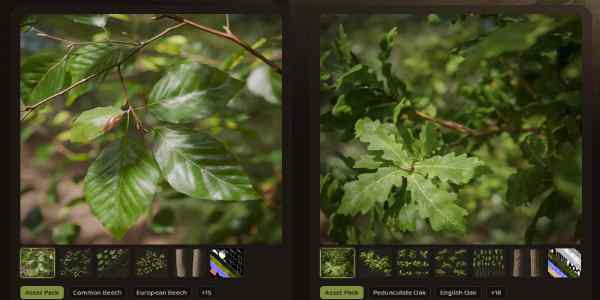
Blend between materials across the plant, driven by age, depth, light exposure, or any custom attribute you have made up yourself.
Learning & Content
Planned
Natsura Store
Production-quality trees and parts libraries, built with partners, alongside the free learning content that continues regardless.
Natsura Store
Materials & Atlases
Planned
Shader-based scan blending
Blend scanned material into procedural material in the shader rather than in the geometry, so the join between a scanned trunk and everything grown on top of it stops being a visible line.

Unblocks. Extending scanned trunks without spending the time hiding the seam.
USD
0.7.1.0
Multi-tree export, USD as layers
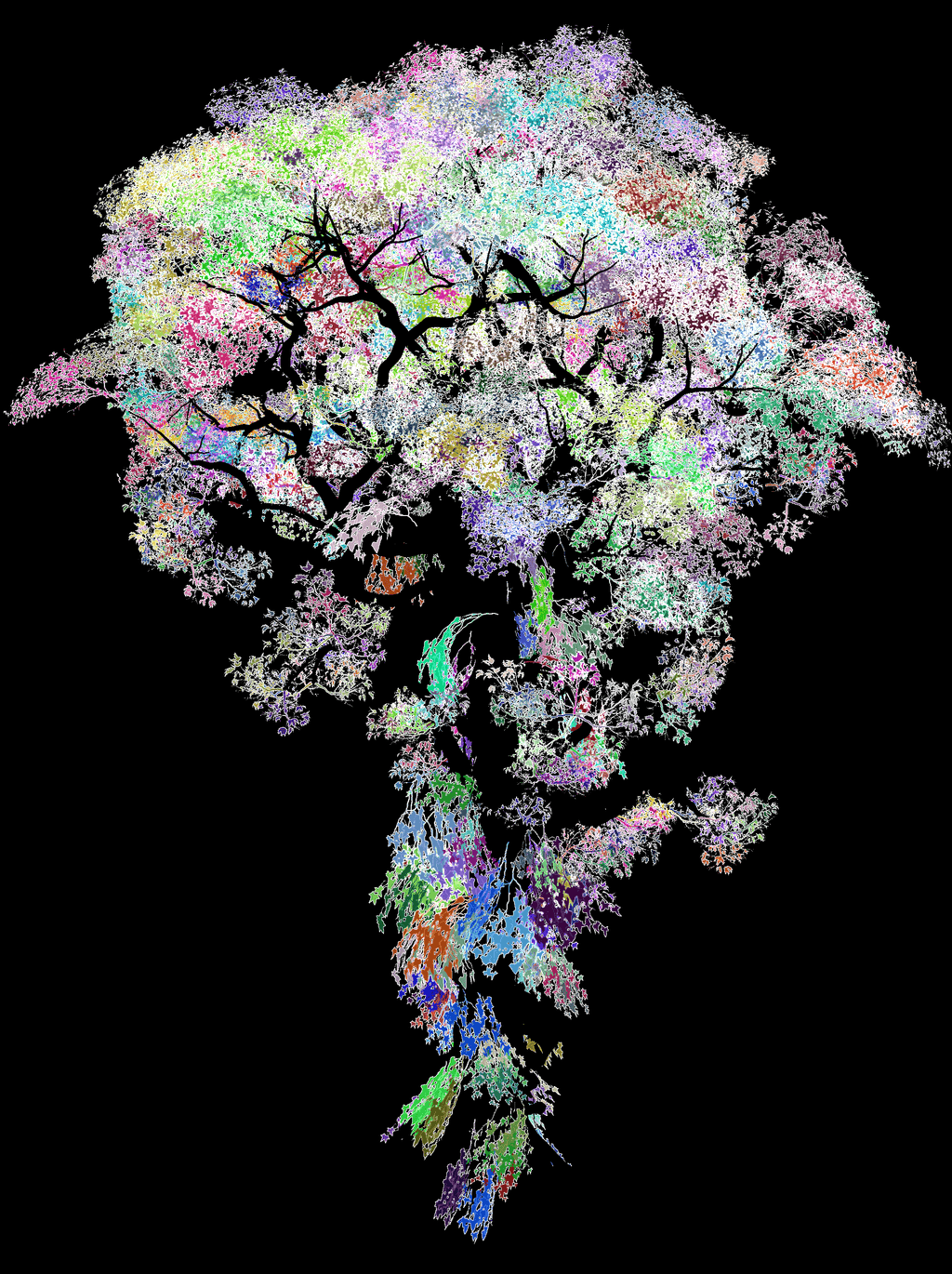
One wind sidecar per tree instead of a single merged file, and USD written as organised layers: shared prototypes in their own library, one assembly layer per tree, and a small root that stitches them together. Prototypes are referenced rather than duplicated, so a forest of the same part costs one copy.
Multi-tree export, USD as layers
Simulation
0.7.1.0
Post-process stage on Simulate
Substeps with mappable segments, interpolation and enhancement, plus their own effector stack. Off by default; turn on Enable Postprocess to reach it.

Groundwork for. Posing and shaping, which is what it becomes once it is an authoring surface.

Shaping
New nodePlanned
Shader-graph style functions for mapping
The common functions you would expect if you have built a shader graph before, available inside the mapping framework: maths, ramps, curves, noise and blending, as nodes rather than VEX.
Simulation
New nodePlanned
Core Select
A selection node in the core set, so choosing what a downstream operation acts on is a first-class step rather than something you improvise.

Status. Basically the switch but with multiple inputs. The exact shape is still under design.

Examples shipping alongside 0.8
  • A bark study: peel, damage, knots, layers and roots on one trunk
  • A moss and lichen pass over a finished trunk
  • A conifer, showing whorls and phyllotaxis on Bud
  • A scanned trunk extended procedurally and blended in the shader
  • A stand of several trees exported as USD layers and opened in Unreal
Documentation
  • Decorations: surface and trunk pages rewritten for the new shaping
  • Materials: blending and scan blending
  • Shaping: the new effectors, forking, whorls, and the mapping function set
  • Node help for every node the meshing and shaping work touches
upcomingQ2 2027

0.9 - 1.0

Our goal is to reach 1.0 around the second quarter in 2027. We want to address the missing gaps for more traditional foliage workflows as well as giving the attention to performance where needed. All these features are planned but are not yet locked most of them down to 0.9 or 1.0

Unreal
Planned
One-click push to Unreal
Hit Save to Disk and the tree turns up in your content browser. The files still go via disk exactly as they do now; only the "import this" instruction travels to the editor.
Materials & Atlases
Planned
Vertex colour baking
Bake data from the skeleton down onto the mesh as vertex colour, so the standard Unreal and Megascan material functions work without a manual step in the middle.
Framework
Planned
Baked Recipes
Capture a Natsura network by selecting a simulate and all connected nodes and bake this down to a small share-able graph. This allows you to share it more easily with other users and run it in game engines like Unreal Engine without the massive downsides a large node graph bring.
LODs
New nodePlanned
LOD Generation
Support for LOD Generation: - LOD Chain produced as a normal part of generation/exporting - Baking cards into the LODs (including hLOD workflows)
LODs
Planned
Proxy and Collision Meshes
A simplified static mesh for collision and proxy use, out of the same export.
Materials & Atlases
Planned
UDIMs and UV tile manipulation
Proper UDIM support and control over how islands are arranged across tiles.

Status. The baking pipeline already understands UDIM tokens, so this addresses the remaining gaps.

Meshing
Planned
Trunk Root Blending
Proper blending options for where the trunk meets the roots. Root flare and buttressing that transitions smoothly into the trunk, instead of roots meeting the trunk at a visible seam.

Why it matters. The base of a tree is at eye height, and it is where the join currently shows.

Materials & Atlases
Planned
UV editing, packing and texture selection
Getting more out of an atlas: edit and pack UV islands deliberately, and choose which region of an atlas a given part draws from, so several trunk variants can share one texture file instead of needing one each.

Why it matters. Variation is cheap in geometry and expensive in texture memory.

Shaping
Planned
Manual editing mode
A mode you enter to work on a tree by hand: pose it, prune it, add branches where the simulation did not put any. Local overrides that survive, without regrowing the tree to get the rest back.

Status. Currently you can pose the plant but further manual editing like pruning are changing width is not exposed yet.

LODs
New nodePlanned
Impostors
Single-quad stand-ins that hold up at distance, so a forest costs what a forest should cost.
Licensing
Planned
Floating Licenses
Seats check out and return, so you buy for your peak concurrent usage rather than for your headcount.
Examples shipping alongside upcoming
  • A broadleaf, start to finish, using the leaf decorator
  • A palm, as the case the leaf system has to survive
  • One tree taken through a full LOD chain, opened in Unreal and profiled
  • An impostor set built from a finished tree
  • A collision and proxy pass for a game build
  • A hand-edited tree: posed, pruned, branches added
  • The first store libraries, which double as worked examples
Documentation
  • Foliage: the leaf decorator, presets, and what a leaf is made of
  • Atlases: UDIMs, UV editing, packing and selection
  • A new LODs section, written from scratch: the chain, grouping, reduction and impostors
  • Editing by hand: posing, pruning, adding branches, and what survives a regrow
  • Licensing: running the offline server inside your own network
  • Store: what is in a library and how to use one

Sign up for Natsura and start creating stunning foliage today

Join the Natsura community and join other artists and developers in the conversation.