Trunks & Meshing
Extend a scanned trunk into a whole tree, bring in SpeedTree trees and USD parts, and turn any grown skeleton into trunks, bark, and meshes with decorations.
01
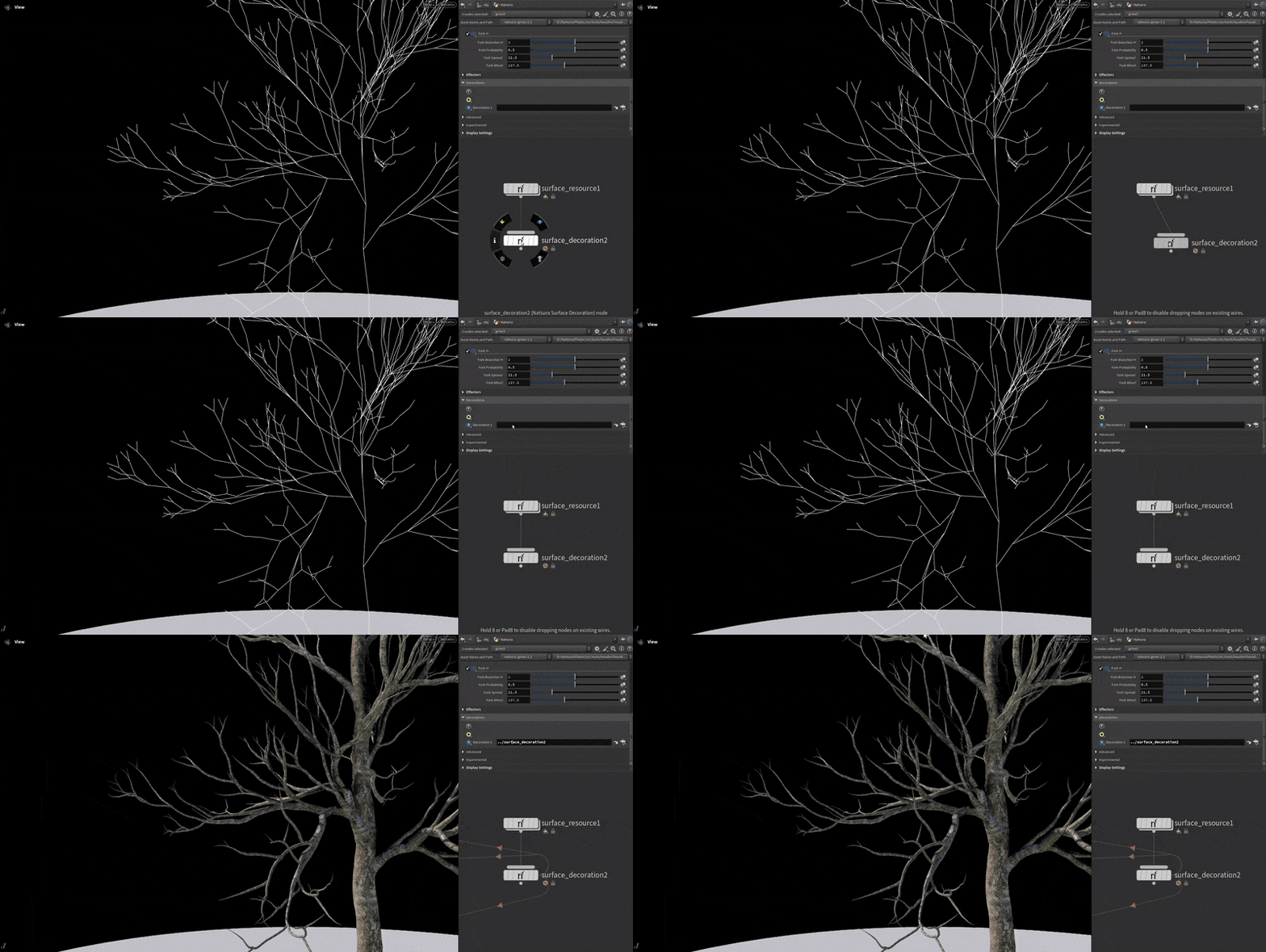
Drag and drop meshing
No more node spaghetti. In Natsura, foliage meshing is handled by our Decorations system. Forget groups and splitting geometry streams. No more headaches. Just clean execution.
01.1
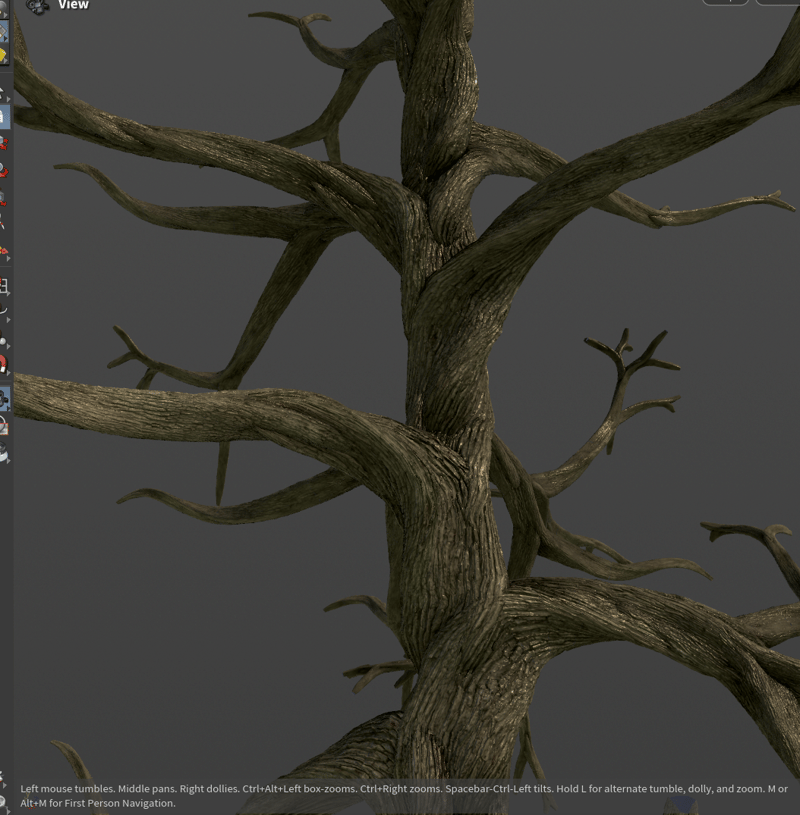
Procedural Trunk Surface
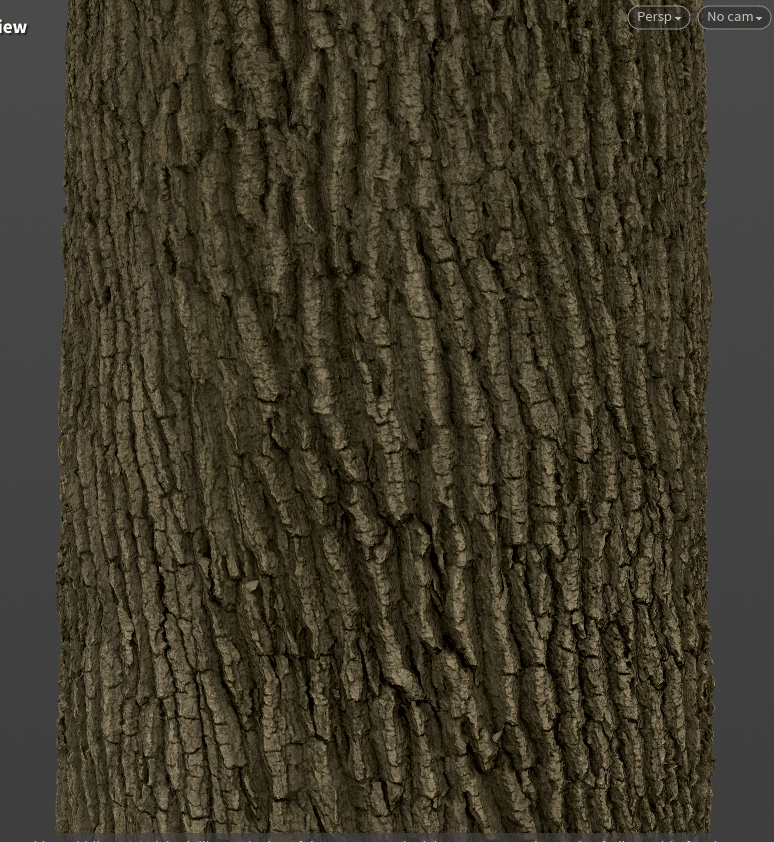
One day we'll try to simulate tree bark, but for now, your best option is our Surface Decorator. Create detailed trunks using heightmaps for highpoly and game-ready trees.
01.2
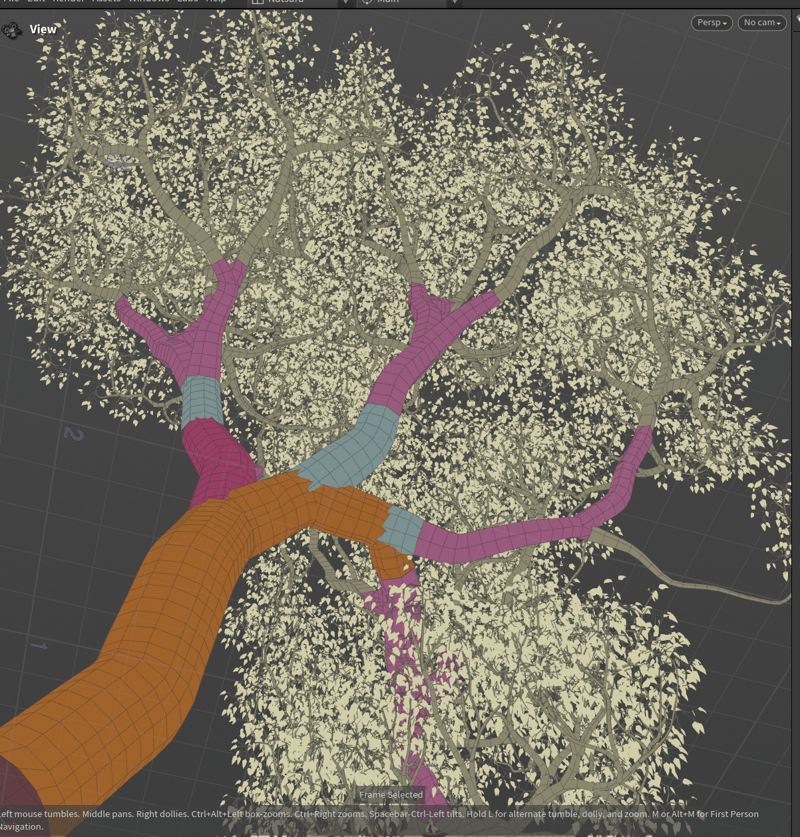
Optimised Meshing
Why waste time optimising results when you can optimise the process? Natsura aims to produce the right amount of geometry for your foliage from the get-go.
01.3
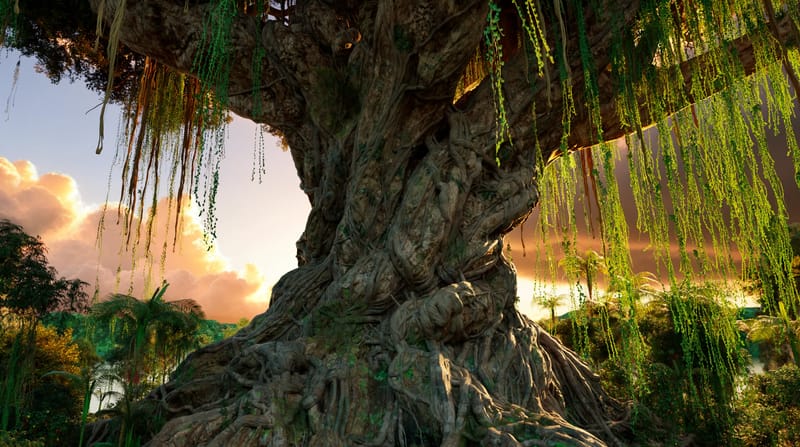
Mesh it your way
Instead of waiting for us to add to our growing library of Decorations, build your own. Natsura is made to be extended for custom foliage workflows.
02
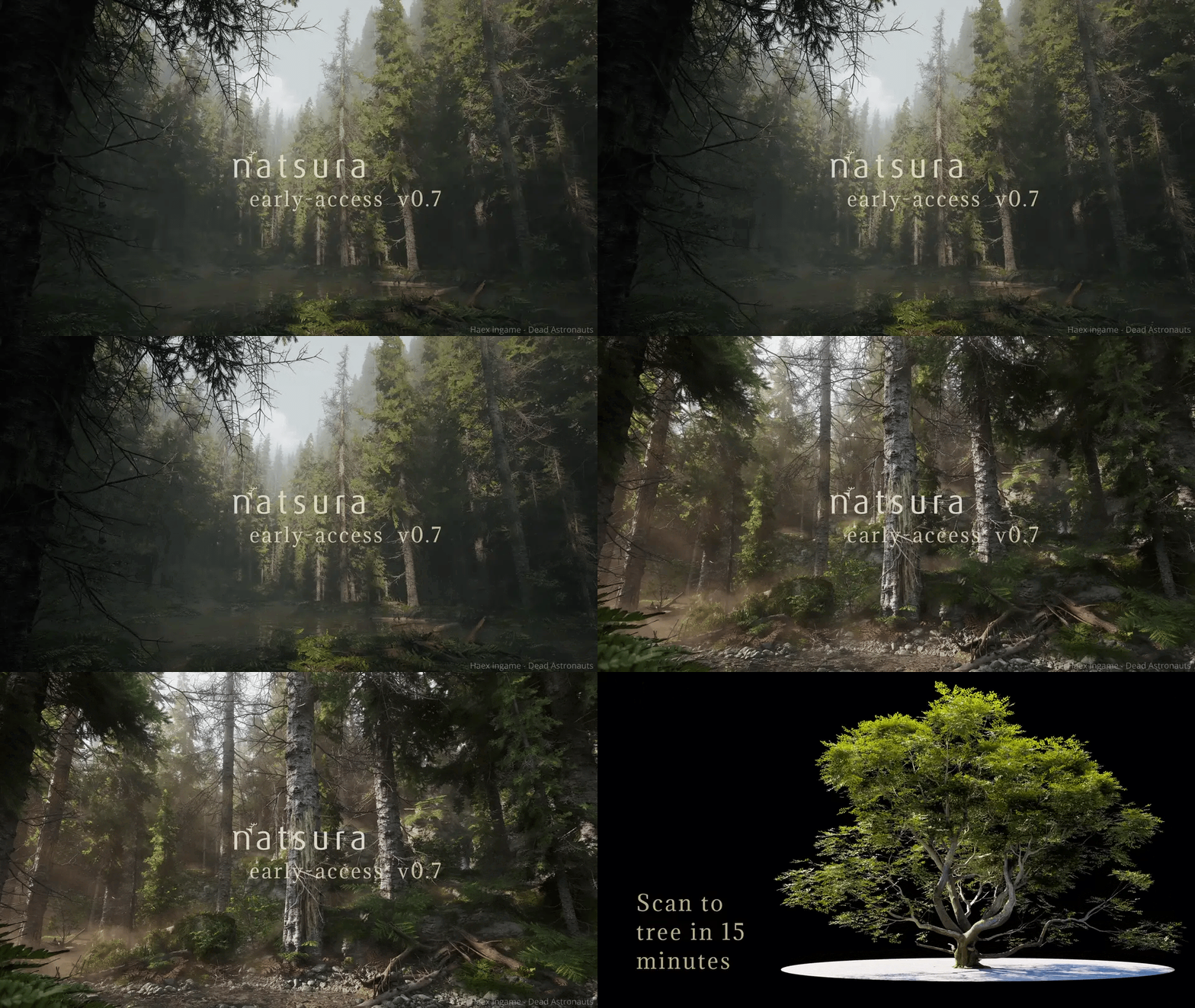
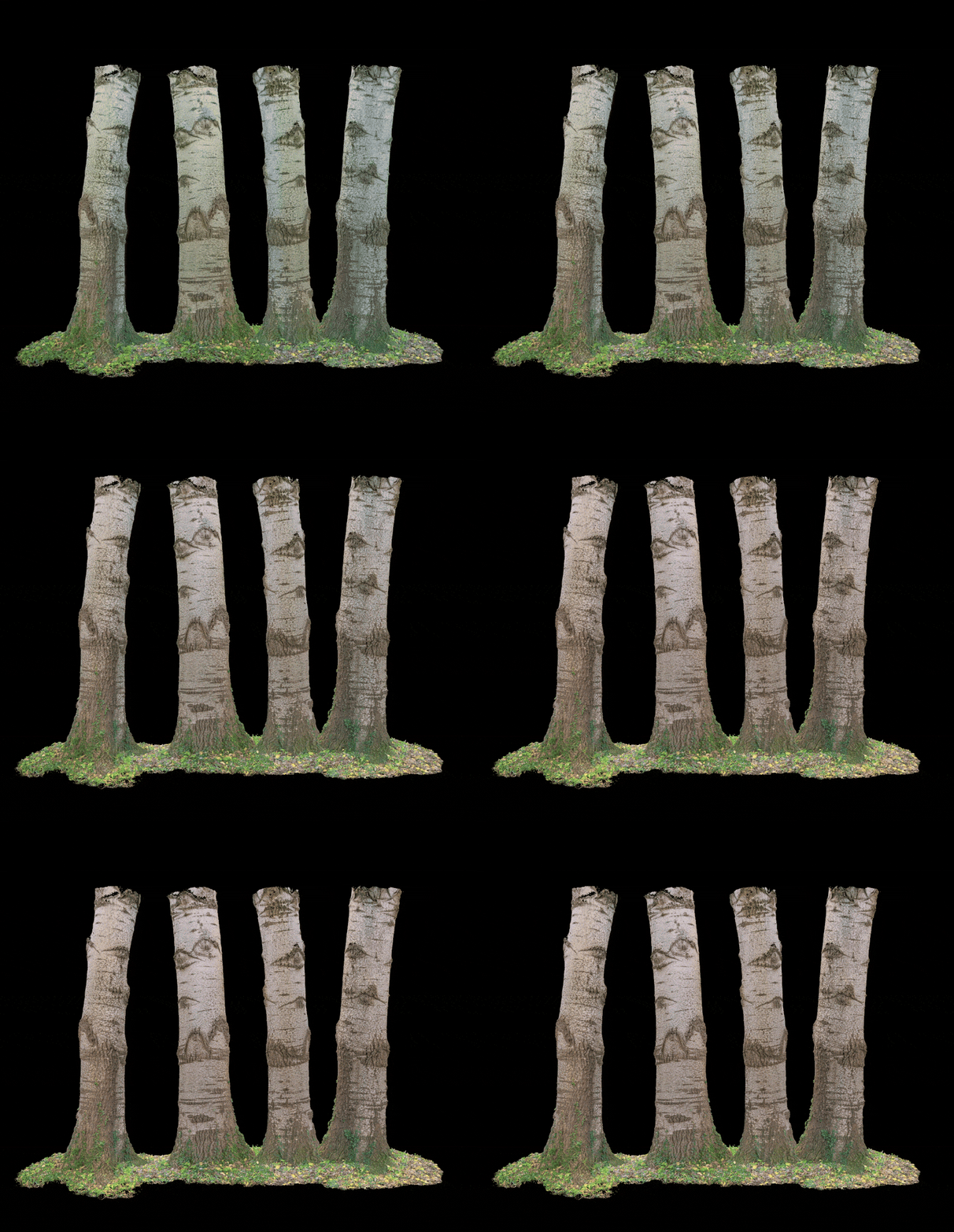
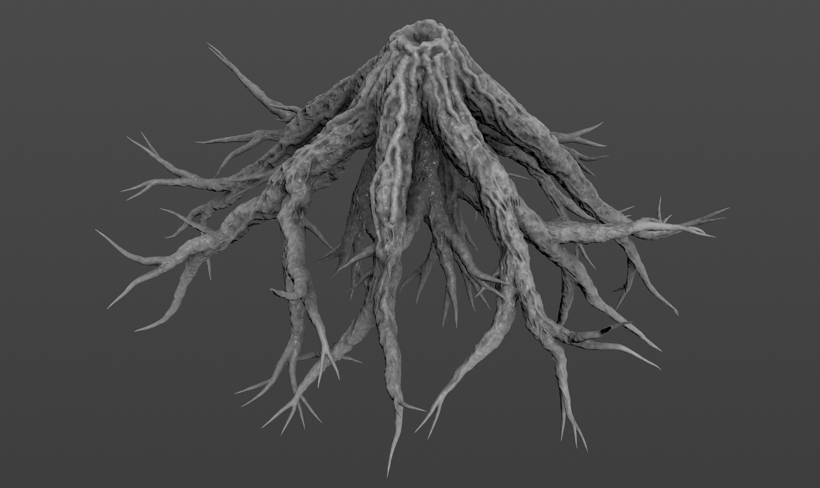
Extend highpoly trunks
Turn scanned hero trunks into complete, animatable trees with procedural branches and roots for AAA games and film.
02.1
Scan Stitching
Painlessly blend real trees and procedural geometry without visible seams for production foliage.
02.2
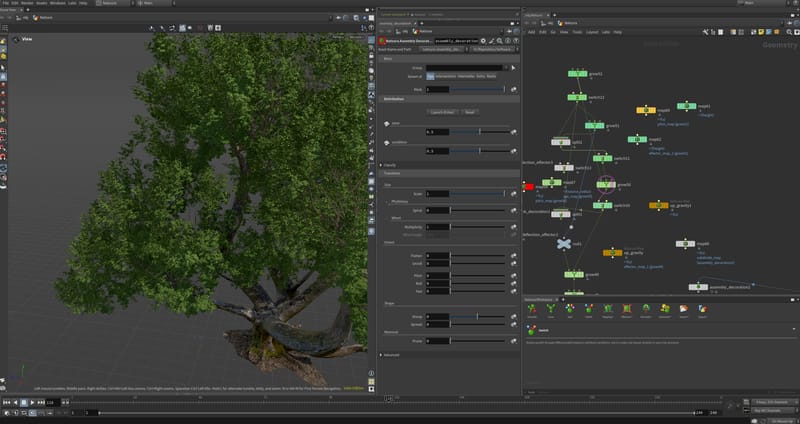
Process Highpoly Meshes
Work with extremely dense meshes straight out of Reality Capture, interactively in the viewport.
02.3
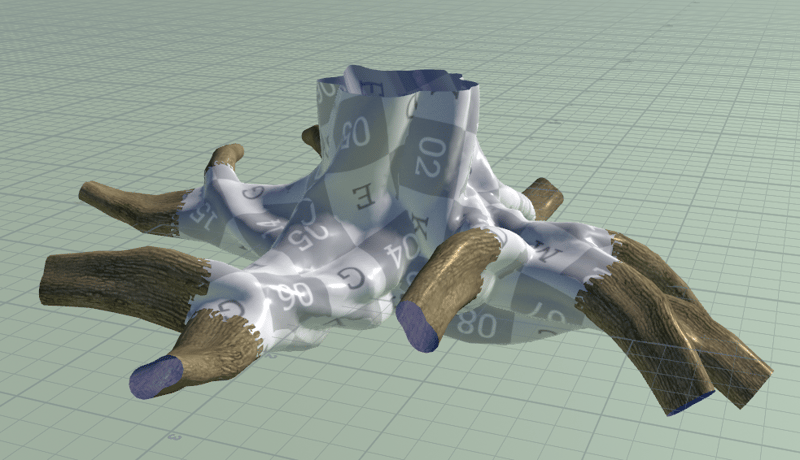
Close the loop
Create watertight geometry out of Natsura simulations, then resimulate to refine your tree and root shapes.
03
Bring in what you have
Keep the trees and parts you already made. Bring them into Natsura and rig, reshape, and export them alongside new ones.
03.1
Import SpeedTree trees
Bring existing SpeedTree trees into Natsura as rigged assemblies, so years of library work carry over. Experimental in 0.8.
03.2
Bring in USD
Import Assembly brings a kit of parts in from a USD or BGEO file, finds the shared instances, and assigns materials.
04
Create geometry from textures
Natsura is designed to be flexible. Work with scans, sculpts, or procedural geometry and trunk textures created directly inside Houdini.
04.1
Texture Baking
Import heightmaps, extract them directly from scans, or generate them yourself using our Copernicus-based baking process for trunk and leaf detail.
In depth
The features above are the highlights. The docs walk through the whole workflow, concept by concept.
Core concepts: Trunks & MeshingGet started
Sign up for Natsura and start creating stunning foliage today
Join the Natsura community and join other artists and developers in the conversation.
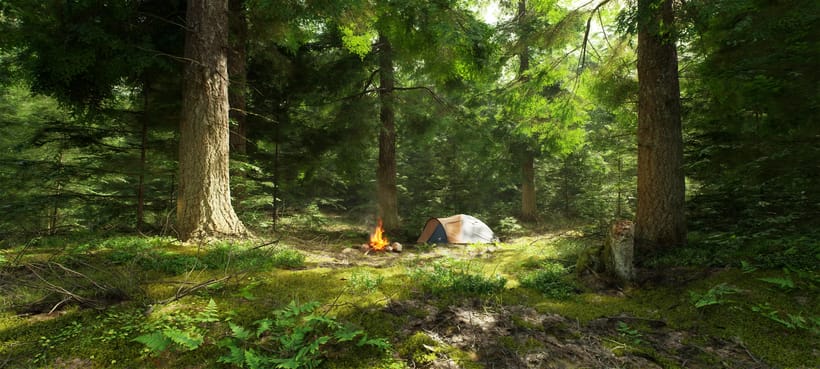
“I workshopped something in Houdini. It worked enough for a release or two, but was never going to hold long-term, so that's how I found you guys eventually. Much easier.”
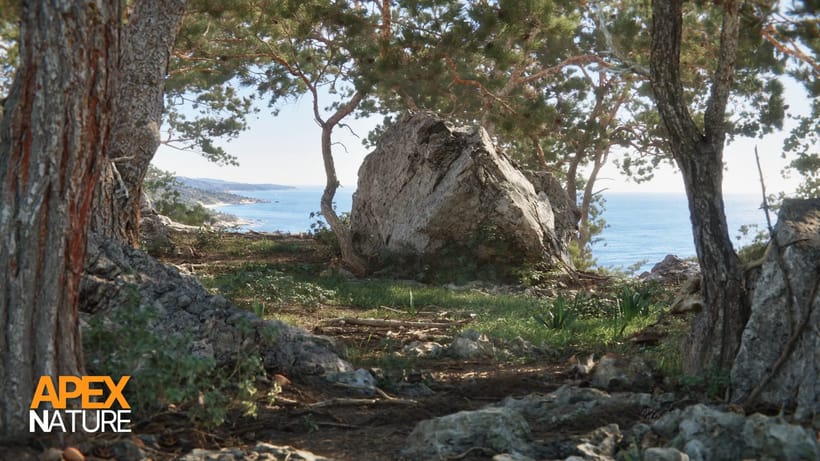
“Natsura's power comes from its ability to give artists full creative freedom over the final results. Leveraging a combination of simulated, procedural and manual artistic input has allowed us to get past the generative look that would otherwise hold us back on our quest to create truly photo-realistic natural environments.”
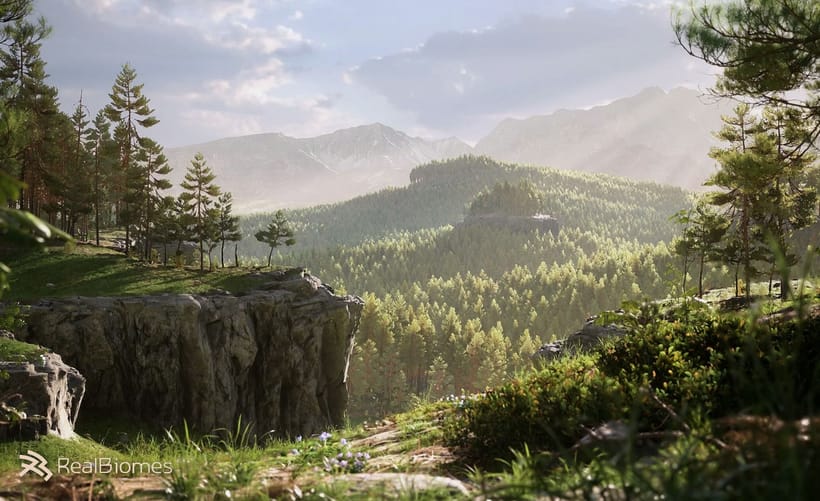
“I love Natsura's approach of combining simulation with parametric control - the developers are passionate and it shows in the product.”
 Jan Klasen, Co-Founder - Realbiomes
“Natsura is a groundbreaking new approach to an age old problem in video games and film- how do artists create non-cookie cutter realistic foliage that doesn't compromise. To me? Natsura is to technical artists what C was to programmers, and personally, I am excited to see it grow.”
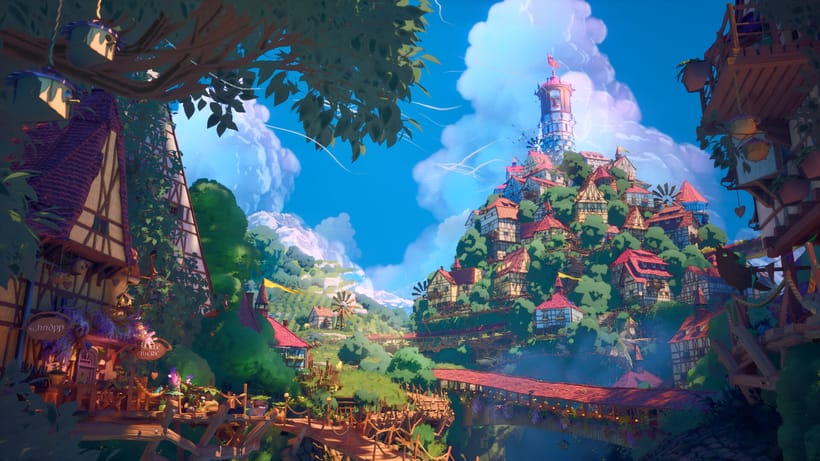
“i love that we can make all kinds of trees with the tools”